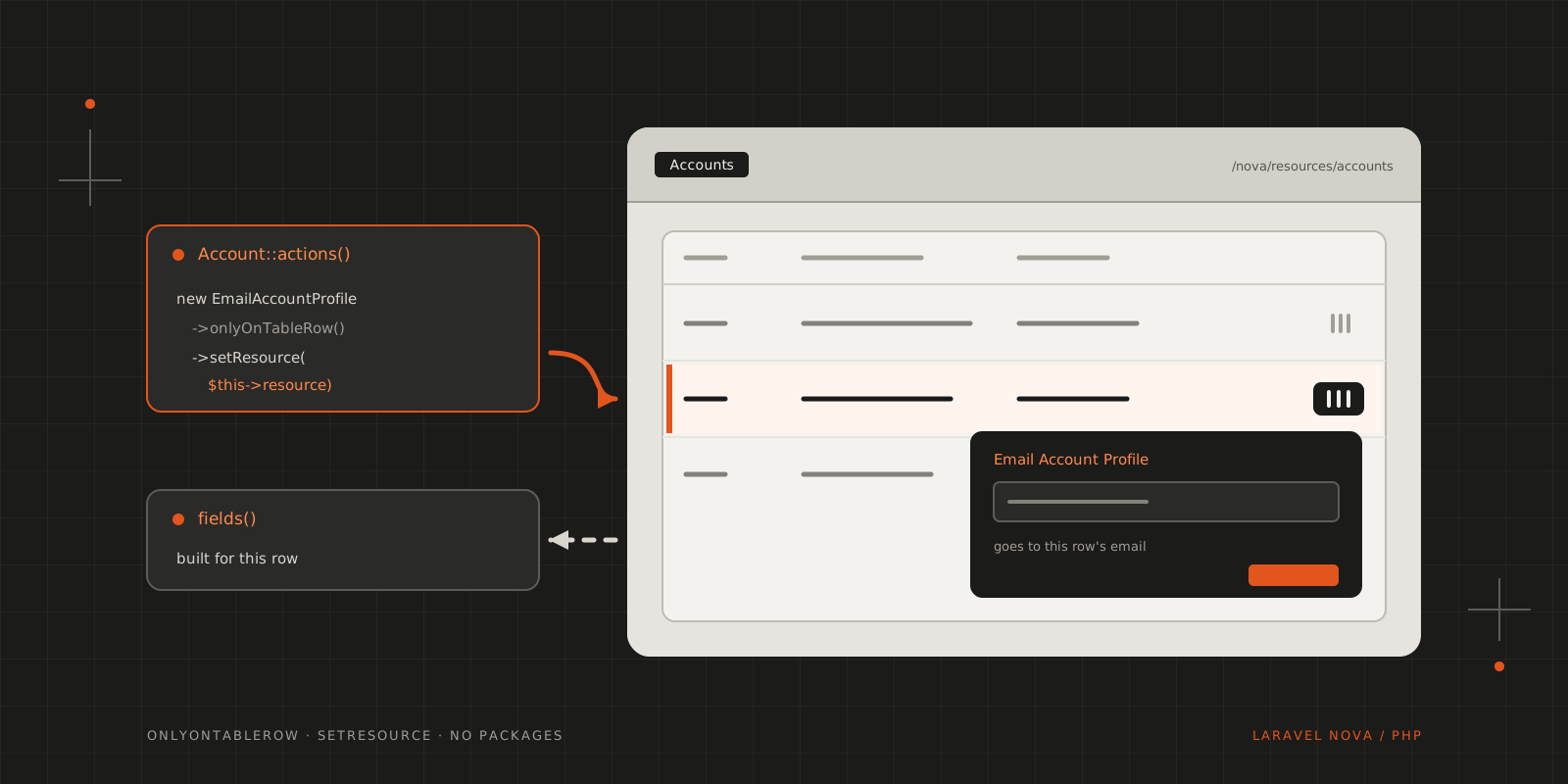
Nova's table row actions don't know which row they're on. Hand them the row's model with a fluent setter and shape each form to it.
During one of our dev runs, there were some fancy action requirements, and I was really happy to find that Laravel Nova supports actions on the index table rows!
So imagine how bummed we were when we found out that said actions don’t really know anything about the contents of the table row they’re sitting at… even though it works just fine on the resource detail screen. But, as always, there’s a way, and you don’t even have to install a third-party library to solve this!
You only need to do a couple of things. It’s so easy that you’ll be facepalming for the rest of the week!
First, you’ll need to create an attribute on your action with a fluent setter for it:
1<?php23namespace App\Nova\Actions;45use App\Models\AccountData;6use Illuminate\Bus\Queueable;7use Laravel\Nova\Actions\Action;8use Illuminate\Support\Collection;9use Laravel\Nova\Fields\ActionFields;10use Illuminate\Queue\InteractsWithQueue;11use Illuminate\Contracts\Queue\ShouldQueue;1213class EmailAccountProfile extends Action14{15 use InteractsWithQueue, Queueable;1617 public $resource;1819 /**20 * Perform the action on the given models.21 *22 * @param \Laravel\Nova\Fields\ActionFields $fields23 * @param \Illuminate\Support\Collection $models24 * @return mixed25 */26 public function handle(ActionFields $fields, Collection $models)27 {28 foreach ($models as $model) {29 (new AccountData($model))->send();30 }31 }3233 /**34 * Get the fields available on the action.35 *36 * @return array37 */38 public function fields()39 {40 return [];41 }4243 public function setResource($value)44 {45 $this->resource = $value;4647 return $this;48 }49}Second, when you’re adding the action to your resource, just set the resource on the action, like this:
1/**2 * Get the actions available for the resource.3 *4 * @param \Illuminate\Http\Request $request5 * @return array6 */7public function actions(Request $request)8{9 return [10 (new EmailAccountProfile)11 ->onlyOnTableRow()12 ->setResource($this->resource),13 ];14}Inside a Nova resource, $this->resource is the underlying Eloquent model, so for a row action it’s the model of that row.
With the model on the action, fields() can build the form for that particular row. For example, telling the user where the profile is going:
1use Laravel\Nova\Fields\Text;23public function fields()4{5 return [6 Text::make('Note')7 ->help('The profile goes to ' . optional($this->resource)->email . '.'),8 ];9}The optional() keeps the form from breaking if the action is ever built without a row behind it.
With this, you can customise each action’s form to the requirements of the actual row, much like in the detail view!
CITE THIS POST
Referencing this in a paper or thesis? Here’s a BibTeX entry.
1@misc{galicz2021context,2 author = {Galicz, Mikl{\'o}s},3 title = {{Context aware table row actions for Laravel Nova}},4 year = {2021},5 month = jul,6 howpublished = {\url{https://blackfyre.ninja/blog/context-aware-table-row-actions-for-laravel-nova/}},7 url = {https://blackfyre.ninja/blog/context-aware-table-row-actions-for-laravel-nova/},8 urldate = {2026-10-28},9 note = {Blog post, blackfyre.ninja}10}