How I added Nova-style folders to Kvaesitso, the search-first Android launcher, restyled it with this site's design system, and kept the fork mergeable.
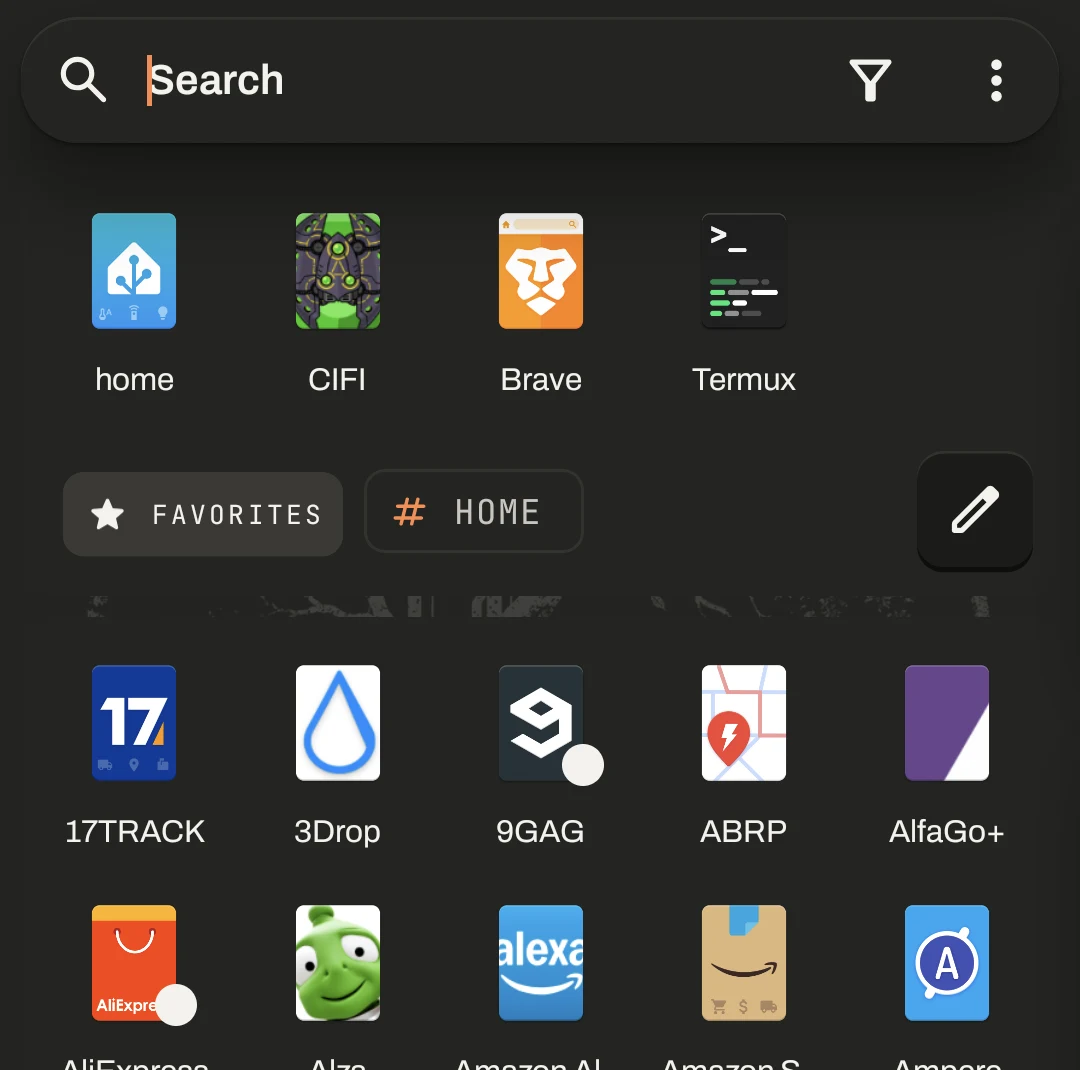
For more than five years my home screen was Nova Launcher. Kvaesitso replaced it because it puts search first and it’s free software, and the price was folders: Kvaesitso groups apps with tags, which filter a list but never sit on the home screen as a folder. Over a weekend at the end of October I forked it to add them, and since I was rebuilding part of the launcher anyway, I made it look like this site.
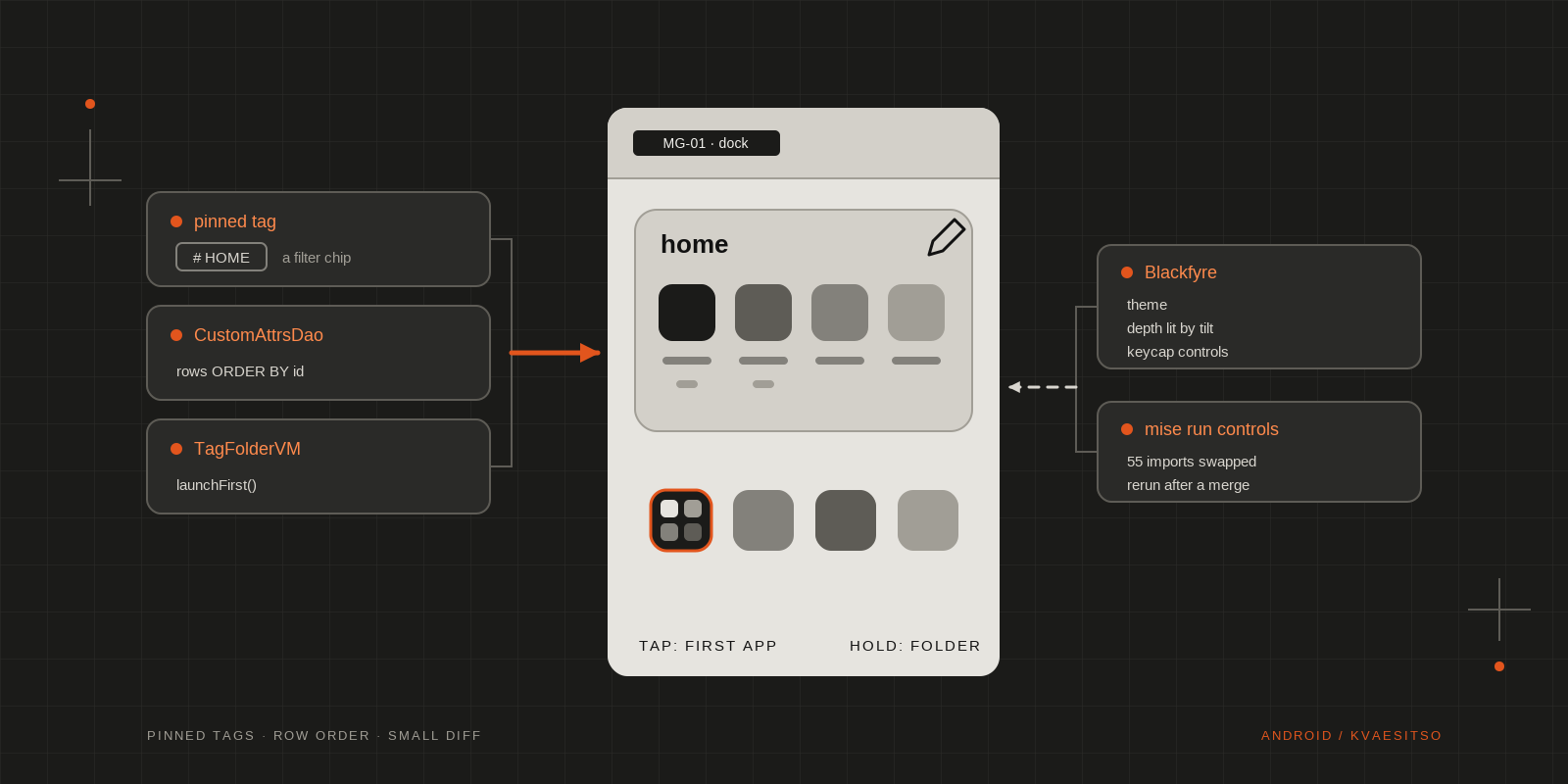
The folders are pinned tags drawn differently, not a new kind of object. A pinned tag shows on the home screen as an icon with a two-by-two preview of its first four apps. A tap launches the first app, the habit I brought from Nova, and a long press opens the folder as a popup with the rest and a button to edit the tag. Nova opened such a folder with a swipe, and I wanted that too, but every swipe direction on the home screen already scrolls or triggers a gesture, so the long press stays the only way in.
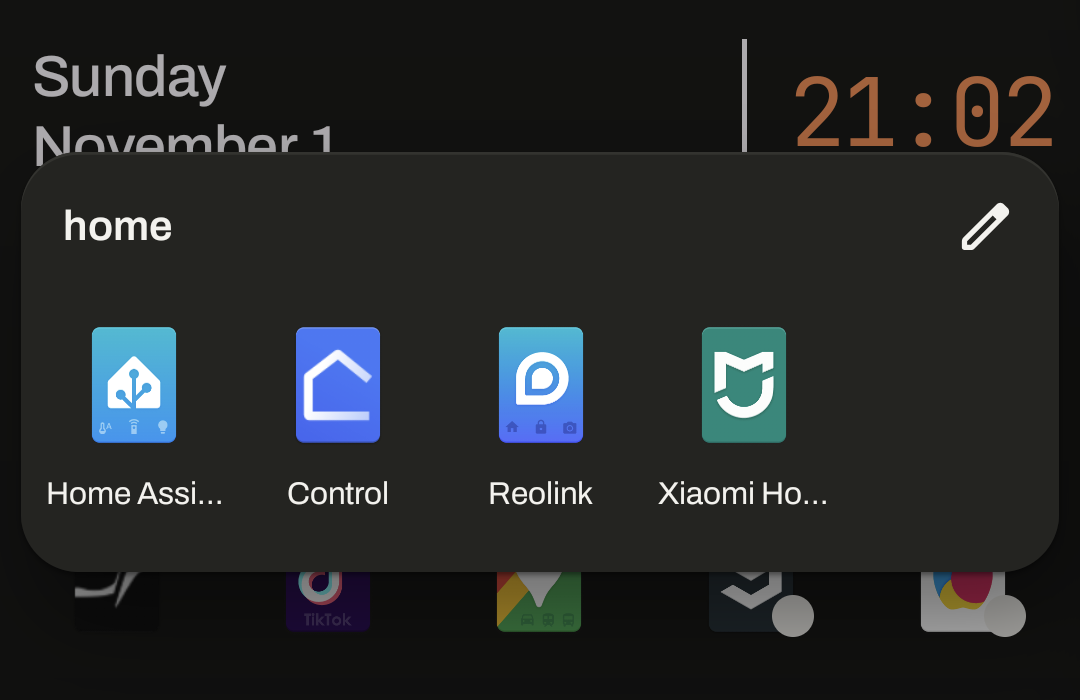
A folder needs an order, and Kvaesitso’s tags never had one. Each app’s membership in a tag is a row in the launcher’s database, and stock Kvaesitso reads a tag’s apps back in whatever order the query happens to return, so “the first app” meant nothing. The fork defines the order as the order the rows were written, which the database already tracks, and fixes the places that lost it. Reading a tag’s apps now keeps that order. Changing an app’s tags no longer deletes and re-adds the app, which used to move it to the end of every other tag it belonged to. Backup and restore now write and read the rows in order. On top of that, the tag editor got a list of the tag’s apps that you drag into the order you want. The change needed no new column and no database migration, which matters for a fork that has to keep merging upstream’s releases.
Moving in
The folders met my real setup early on Sunday, when I restored my Kvaesitso backup into the fork’s release build and made it the default launcher. It crashed on the home screen straight away. Release builds go through R8, which strips out code that nothing appears to use, and it had removed a piece of the folder code that the launcher only reaches indirectly. The debug builds I’d been testing aren’t stripped, and my backup pins a tag called “home”, so the first release build to draw a folder was also the first to crash. One rule telling R8 to keep that code fixed it.
Daily use found the rest. My home screen shows its favourites in the clock widget’s dock rather than in the Favourites widget, and the dock left tags out, so the folders never reached it; pinned tags now lead the dock as well. A folder that launches its first app on a tap reads better when it looks like that app, so the tag editor gained an option to use the first app’s icon instead of the preview. The drag list in the tag editor only picked a row up after a long press and moved it only after it had hovered over its target for 300 milliseconds, so a quick drag snapped back. Now a drag starts straight away.
Looking the part
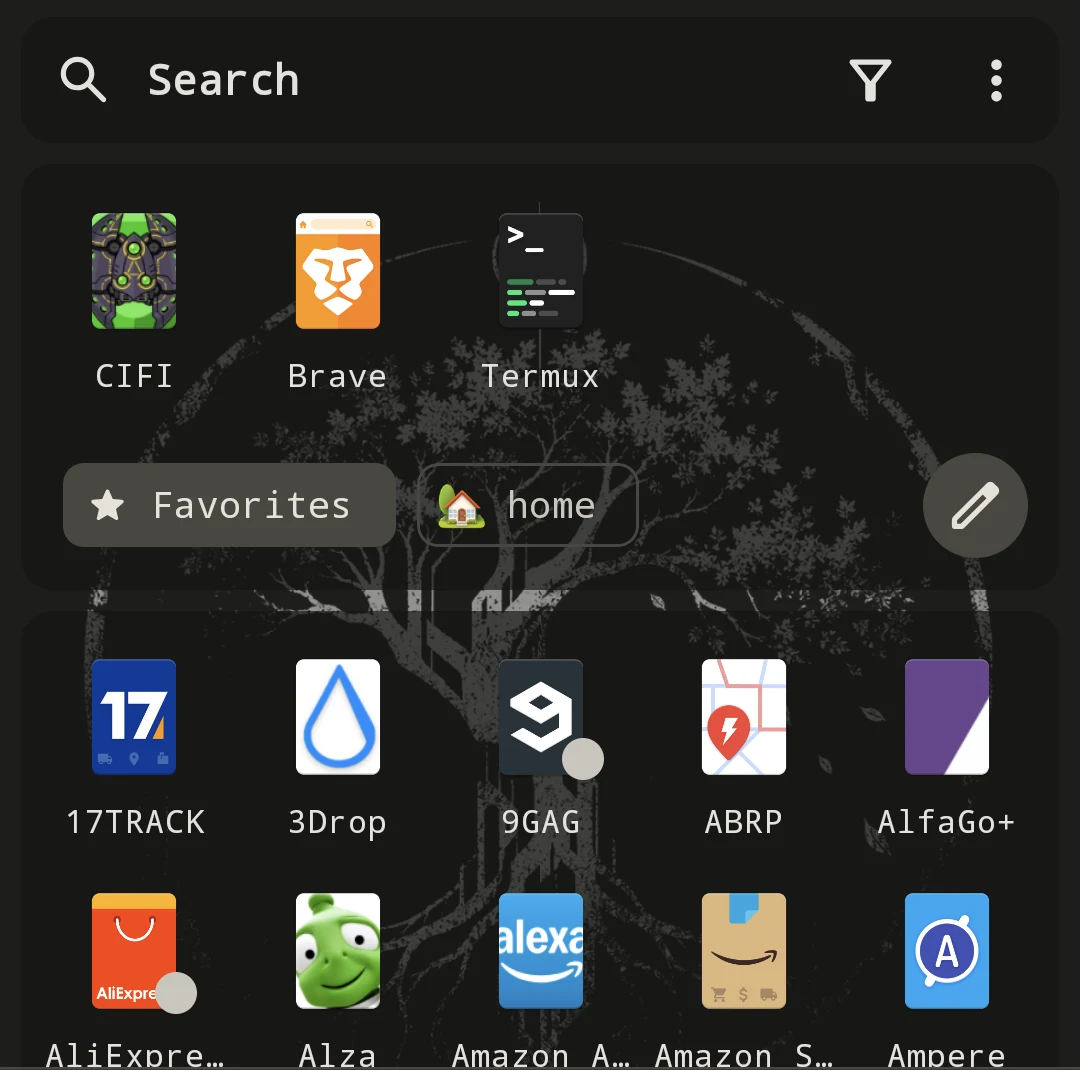
Blackfyre is the design system behind this site: warm paper and near-black surfaces, one orange accent, Archivo for reading and capitals in JetBrains Mono for labels, and panels that rest on a soft shadow under a single light. The fork applies it in three layers, each one only while the Blackfyre theme is selected, so Kvaesitso’s own themes still look as they always did.
- Theme. Kvaesitso already splits a theme into independent parts, such as colours, shapes and typography, so Blackfyre went in as one more built-in choice for each of those, and the default. It follows the phone’s light and dark setting, and the fonts ship with the app. Labels use a capitals-only cut of JetBrains Mono generated from the original, so they read in capitals while screen readers still get normal text.
- Depth. Cards, widgets, the search bar, popups and sheets get Blackfyre’s raised panels in place of Material’s flat shadow. The light follows the phone’s tilt through the gravity sensor, and the shadows move away from it about a quarter of a second behind. With animations turned off, the light stays overhead.
- Controls. Material’s buttons, chips and toggles become keycaps with an edge below and a highlight on top, and they sink when pressed. Dialogs are restyled to match. All of this reaches every screen, settings included.
Keeping the fork mergeable
A fork stays useful only while it can take upstream’s releases, so every change above followed one rule: new behaviour goes into new files, and upstream’s files get the smallest hook that reaches it. Against the upstream commit it started from, the fork adds 114 files and changes 83 of Kvaesitso’s own, and the changes to those 83 come to 253 added and 129 removed lines. The largest is 22 lines in the code that draws an item on the home screen.
The controls were the hardest part to keep small, because about 55 upstream files use Material’s buttons and chips. Instead of editing every call, the fork provides its own controls under the same names and with the same parameters, so a file switches over by changing one import line, and a script makes that change. It runs again after every upstream merge, and a test fails, naming the file, when anything still uses a Material control that should have been swapped. Switches, sliders and checkboxes stay Material: they already looked right in Blackfyre’s colours, and swapping them would have touched about 30 more files.
The rule hasn’t met a real release yet. Since the fork, upstream has only added three translation updates.
CITE THIS POST
Referencing this in a paper or thesis? Here’s a BibTeX entry.
1@misc{galicz2026folders,2 author = {Galicz, Mikl{\'o}s},3 title = {{The folders Kvaesitso was missing}},4 year = {2026},5 month = nov,6 howpublished = {\url{https://blackfyre.ninja/blog/the-folders-kvaesitso-was-missing/}},7 url = {https://blackfyre.ninja/blog/the-folders-kvaesitso-was-missing/},8 urldate = {2026-11-24},9 note = {Blog post, blackfyre.ninja}10}